
The golden age of travel is here, but so is the potential for planning overload. Juggling flight confirmations, hotel bookings, activity schedules, and budget spreadsheets can quickly turn the excitement of a new adventure into a stressful logistical puzzle. The right digital tool can transform this chaos into a streamlined, enjoyable process. That's where the best travel planning apps come in, they act as your personal travel assistant, keeping every detail organized and accessible right from your pocket.
In this comprehensive guide, we move beyond generic lists and dive deep into 12 standout apps that cater to every type of traveler. We analyze their unique strengths, expose their limitations, and provide real-world scenarios to help you choose the perfect digital companion for your 2025 travels. From automated itinerary builders like TripIt to road trip specialists like Roadtrippers, this resource is designed to solve the core problem of travel disorganization.
Each review includes detailed analysis, screenshots to show the app in action, and direct links to download from sources like the Apple App Store or Google Play Store. We'll explore powerful platforms such as Google Travel and Wanderlog, alongside flight and transport aggregators like Skyscanner and Rome2rio. Whether you're a meticulous planner coordinating a family vacation or a solo adventurer seeking flexibility, this list provides the practical insights needed to find the tool that best fits your travel style. Let's find the app that will make your next trip the smoothest one yet.
1. The People Travels
The People Travels solidifies its position as a top-tier travel planning tool by leveraging advanced AI to deliver exceptionally personalized, comprehensive itineraries in seconds. It stands out by transforming the often overwhelming process of trip planning into a streamlined, efficient experience. Users input their destination, interests, budget, and travel style, and the platform’s AI crafts a detailed, day-by-day schedule. This isn’t just a simple list of activities; it’s a fully actionable plan.
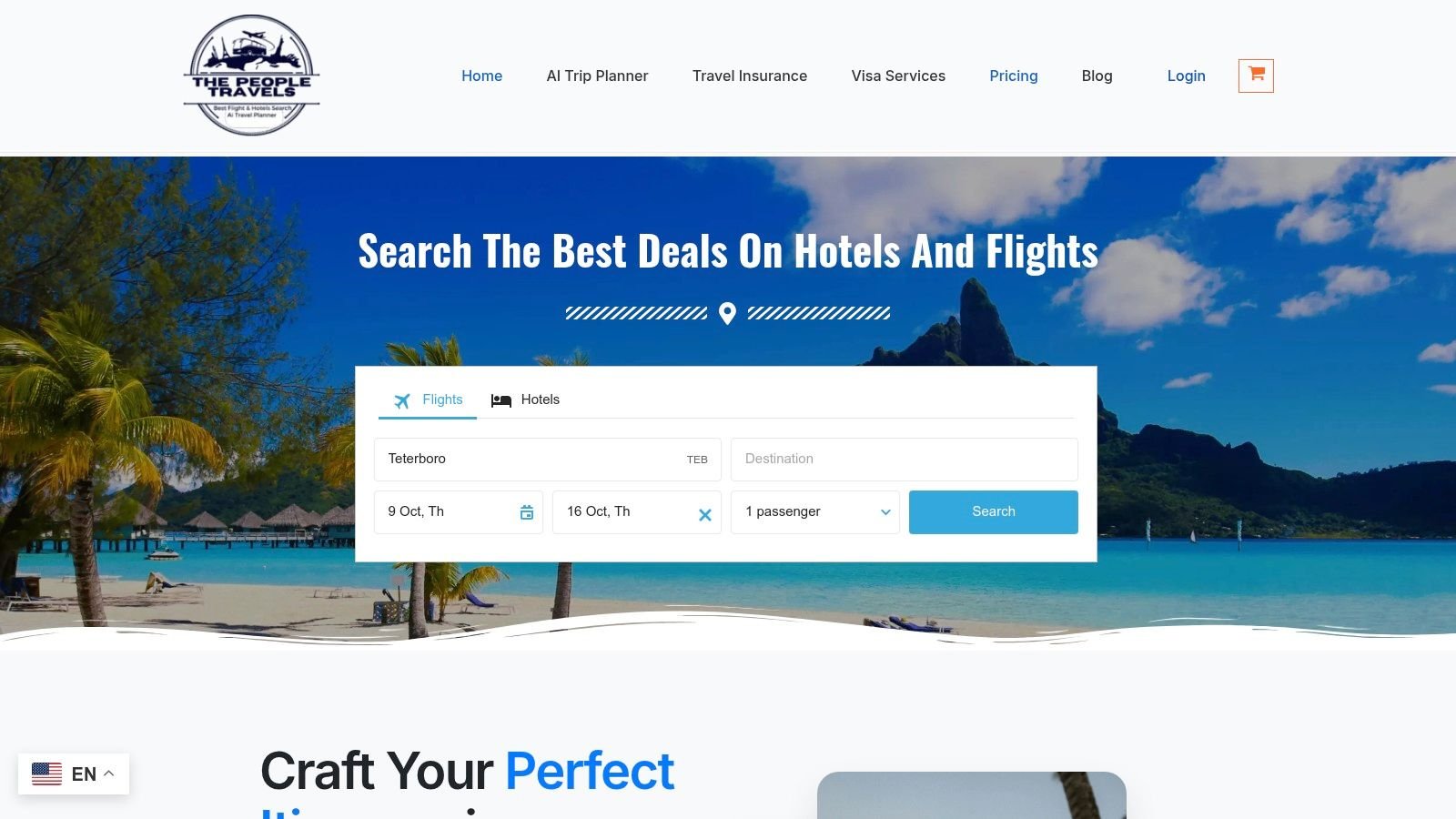
The platform’s strength lies in the depth of its suggestions, which include everything from dining recommendations and logistical tips to essential visa information and local insights. This holistic approach makes it one of the best travel planning apps for users who want to eliminate hours of research and consolidate their plans in one place.
Key Features and User Experience
What truly sets The People Travels apart is its unique, user-friendly model. It operates on a flexible points system rather than a recurring subscription, offering a significant advantage for infrequent travelers.
- Pay-As-You-Go Points: You purchase points that never expire and use them only when generating an itinerary. This cost-effective model avoids subscription fatigue.
- Generous Free Trial: New users receive 50 free points without needing a credit card, which is enough to generate up to 10 single-day itineraries to fully test the service.
- Multi-City Planning: It expertly handles complex trips, providing coherent logistical guidance for traveling between multiple destinations within a single itinerary.
- Simple Itinerary Management: Once generated, plans can be easily saved, shared with travel companions, or printed for offline access.
The interface is clean and intuitive, guiding users through the planning process with ease. Itineraries are well-organized and presented in a scannable format, making them practical for use on the go.
Pricing and Access
The People Travels uses a transparent, points-based pricing structure. After using the initial 50 free points, users can purchase additional points in packages that suit their travel frequency. While this model is highly flexible, travelers who plan extensively may find an upfront point purchase necessary. Access is web-based, though some users have reported IP-based restrictions in certain regions, which is a key consideration.
Website: https://thepeopletravels.com
2. Apple App Store
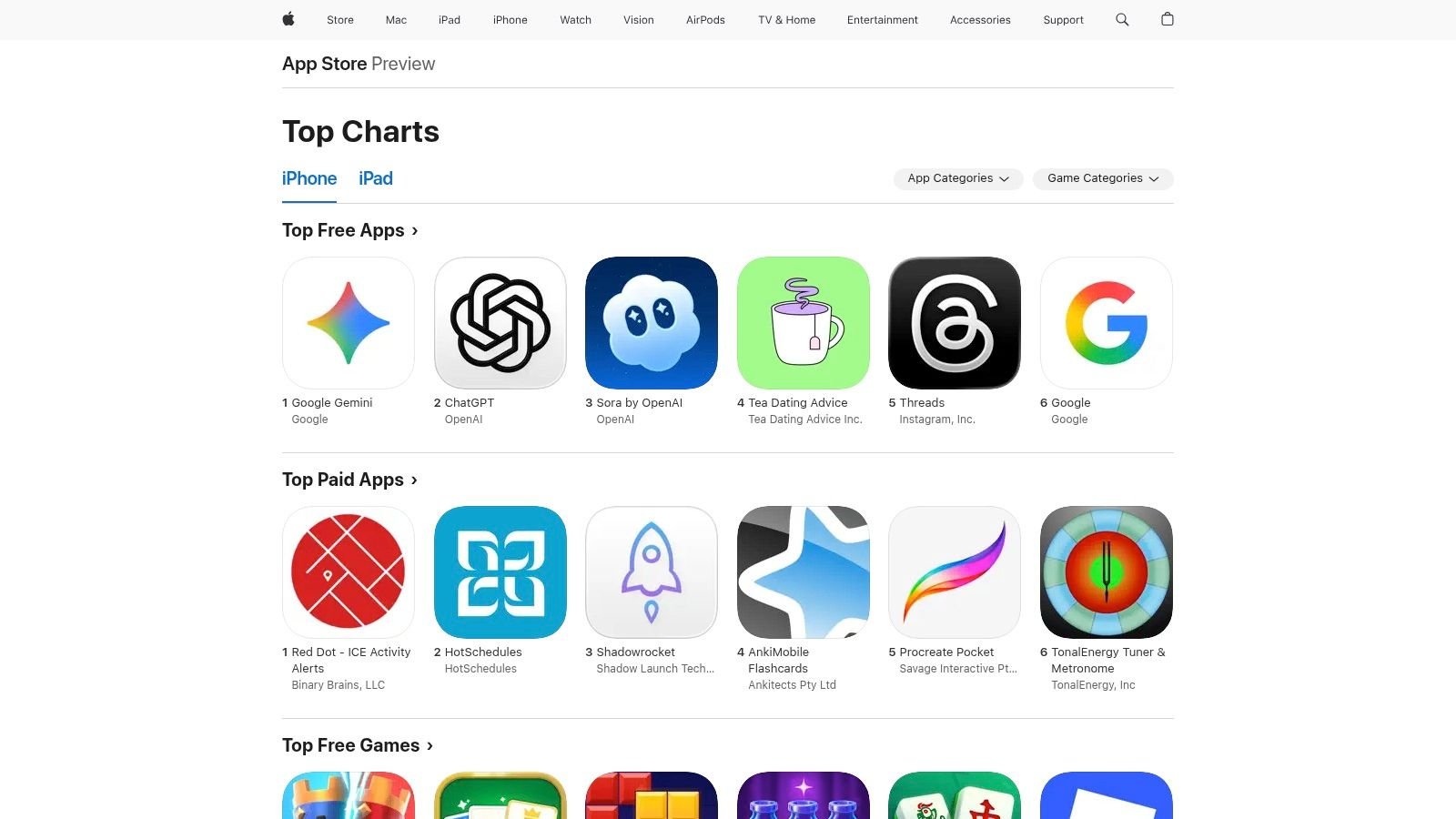
For iPhone and iPad users, the Apple App Store is the essential starting point for discovering the best travel planning apps. While not a travel planner itself, it functions as a highly curated and secure marketplace. Its primary strength lies in its editorial oversight and stringent security protocols, ensuring that any app you download has been vetted for safety, privacy, and functionality. This level of trust is invaluable when you're inputting sensitive information like passport details or credit card numbers.
The App Store's editorial team often creates curated collections like "Plan the Perfect Trip" or "Apps for Hikers," which are fantastic for discovering niche and high-quality tools you might otherwise miss. These collections go beyond simple algorithms, offering a human touch to app discovery.
Key Features and User Experience
The platform excels in transparency. Each app listing clearly displays user ratings, privacy "nutrition labels" detailing data collection practices, and transparent in-app purchase information. This helps you make informed decisions before downloading.
Practical Tip: Use the "Today" tab within the App Store. It often features in-depth stories on new or updated travel apps, providing insights and usage tips straight from developers and editors.
Pros & Cons:
| Pros | Cons |
|---|---|
| High Security & Trust: Vetted developers and secure payment systems. | iOS Exclusive: Not available for Android users. |
| Excellent Discoverability: Editorial stories highlight top-tier apps. | Subscription Costs: Many premium apps require a subscription. |
| Integrated Ecosystem: Features like Family Sharing simplify paid app access. | Overwhelming Choice: The sheer number of apps can be daunting. |
The main drawback is its exclusivity to the Apple ecosystem. However, for those within it, the App Store provides a reliable and feature-rich environment to build a personalized toolkit of the best travel planning apps available.
Access the platform here: https://apps.apple.com/us/genre/ios-travel/id6003
3. Google Play Store
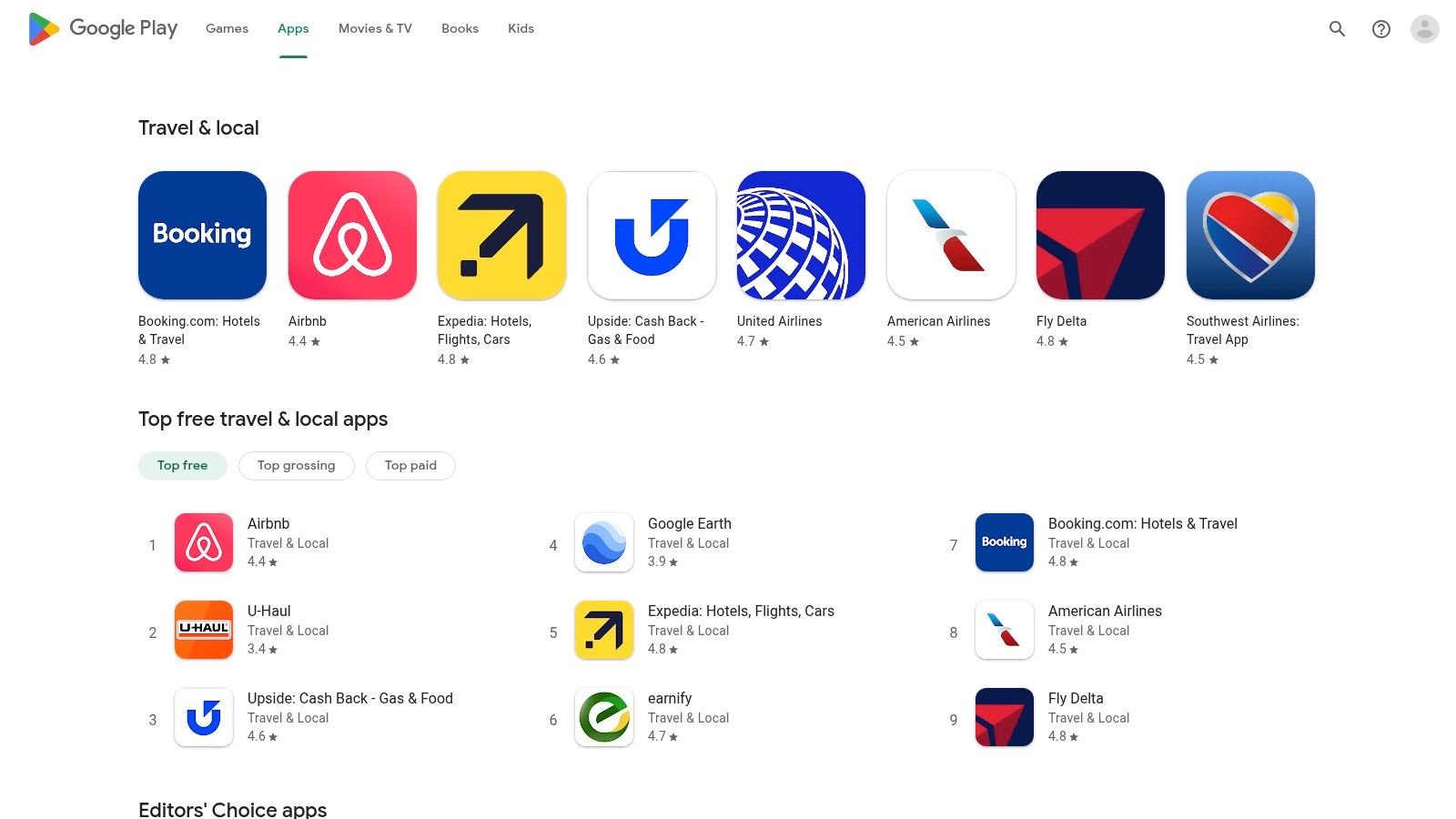
For the vast majority of Android users, the Google Play Store is the primary gateway to finding the best travel planning apps. Similar to its Apple counterpart, it's not a travel app itself but a massive, official marketplace. Its core advantage is the sheer volume and diversity of applications available, catering to every imaginable niche within the travel industry, from backpacker budget trackers to luxury concierge services.
The Play Store's "Travel & Local" category is a sprawling hub where developers from around the globe publish their tools. This open ecosystem fosters innovation and competition, often giving users access to new features and beta programs before they are widely available. This makes it an excellent resource for travelers who want to experiment with cutting-edge planning tools.
Key Features and User Experience
The platform provides essential information for making smart choices, including detailed user reviews, star ratings, developer responses, and the date of the last update. App listings also clearly state device compatibility and in-app purchase costs, ensuring transparency before you download. The integration with your Google account simplifies payments and subscriptions.
Practical Tip: Check the "What's New" section on an app's page to see how frequently the developer pushes updates. Consistent updates often indicate an active and well-supported app, which is crucial for a reliable travel tool.
Pros & Cons:
| Pros | Cons |
|---|---|
| Vast App Selection: Unmatched variety of travel apps and utilities. | Variable Quality: Less stringent curation can lead to more low-quality apps. |
| Open Ecosystem: Access to beta programs and frequent app updates. | Android Exclusive: Not available for iOS users. |
| Flexible Policies: User-friendly refund process and Family Library for sharing. | Regional Restrictions: App availability can depend on your account's country settings. |
While the sheer number of options can sometimes feel overwhelming, the Google Play Store’s powerful search and filtering capabilities help users pinpoint the perfect tools. Its open nature makes it an indispensable resource for Android users looking to customize their travel planning toolkit.
Access the platform here: https://play.google.com/store/apps/category/TRAVEL_AND_LOCAL
4. Google Travel
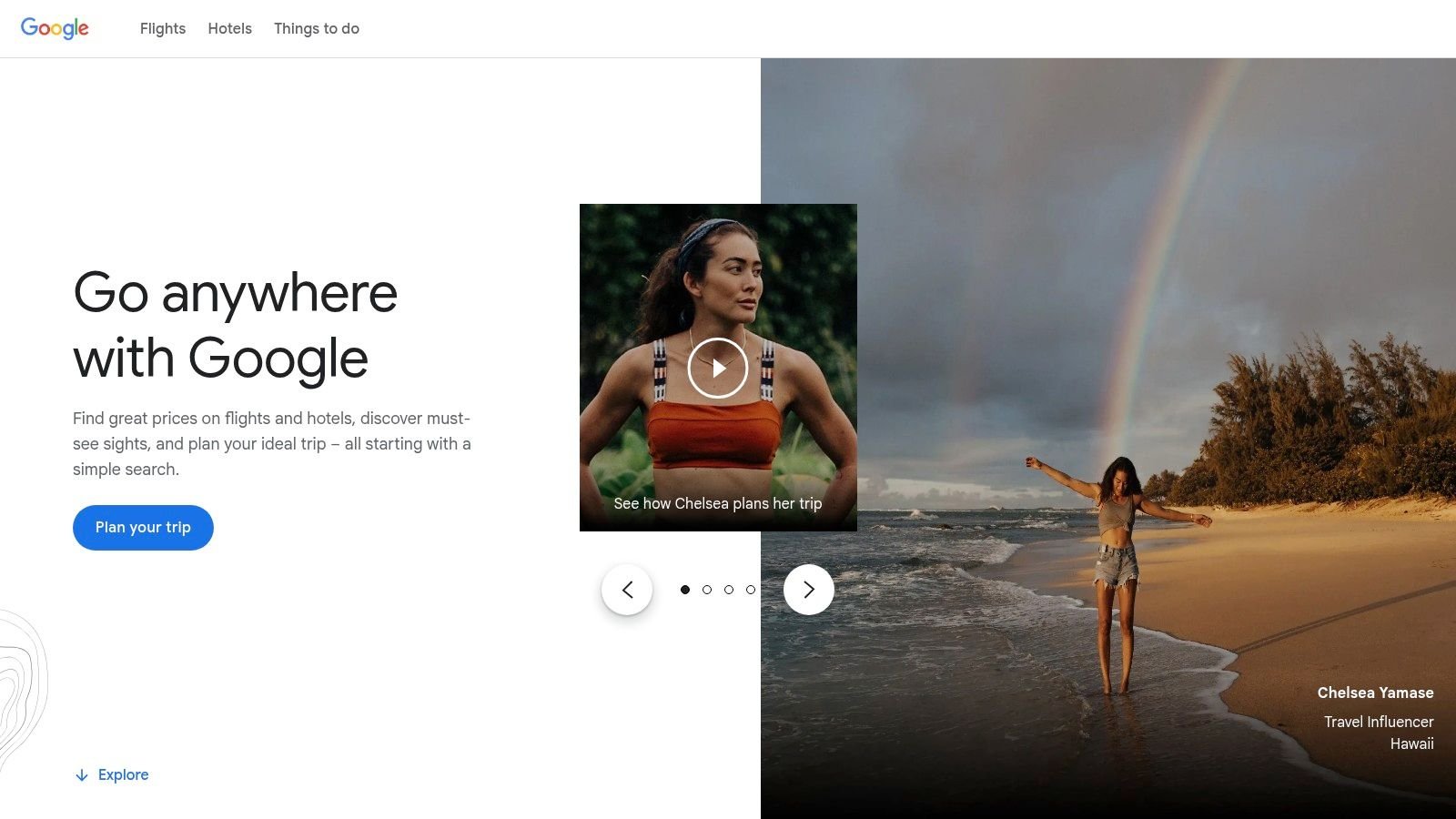
For travelers deeply embedded in the Google ecosystem, Google Travel is a powerful and free web-based hub for trip research and organization. It isn't a standalone app but rather an integrated suite of tools that pulls information from Google Flights, Hotels, and Maps. Its core strength lies in leveraging your Google account data to automatically organize travel confirmations from Gmail and provide intelligent, data-driven insights for planning.
Google Travel excels at the initial research phase. It helps you discover destinations, track flight and hotel prices, and find the most cost-effective times to travel. The platform aggregates massive amounts of data to give you a clear picture of pricing trends, making it one of the best travel planning apps for budget-conscious users.
Key Features and User Experience
The platform's interface is clean, fast, and intuitive. Features like the date grid and price graph for flights are exceptionally useful for flexible planners, allowing you to visually identify the cheapest days to fly. It also provides clear indicators on whether a current flight or hotel price is low, typical, or high based on historical data.
Practical Tip: Set up price tracking alerts for specific flights or hotel searches. Google will email you when prices change significantly, allowing you to book at the optimal time without constant manual checking.
Pros & Cons:
| Pros | Cons |
|---|---|
| Completely Free: No subscription or hidden fees. | Limited Itinerary Building: Less suited for detailed, multi-stop daily plans. |
| Seamless Integration: Works perfectly with Gmail, Calendar, and Maps. | Web-Based Focus: Lacks a dedicated, full-featured mobile app. |
| Powerful Price Intelligence: Excellent tools for finding the best deals. | Requires a Google Account: Dependent on being logged into the ecosystem. |
While it may not replace a dedicated itinerary builder for complex, multi-city journeys, Google Travel is an indispensable free tool for the research and booking stages. Its powerful, AI-driven insights and seamless integration make it a top-tier choice for organizing the core components of any trip.
Access the platform here: https://travel.google/
5. Wanderlog
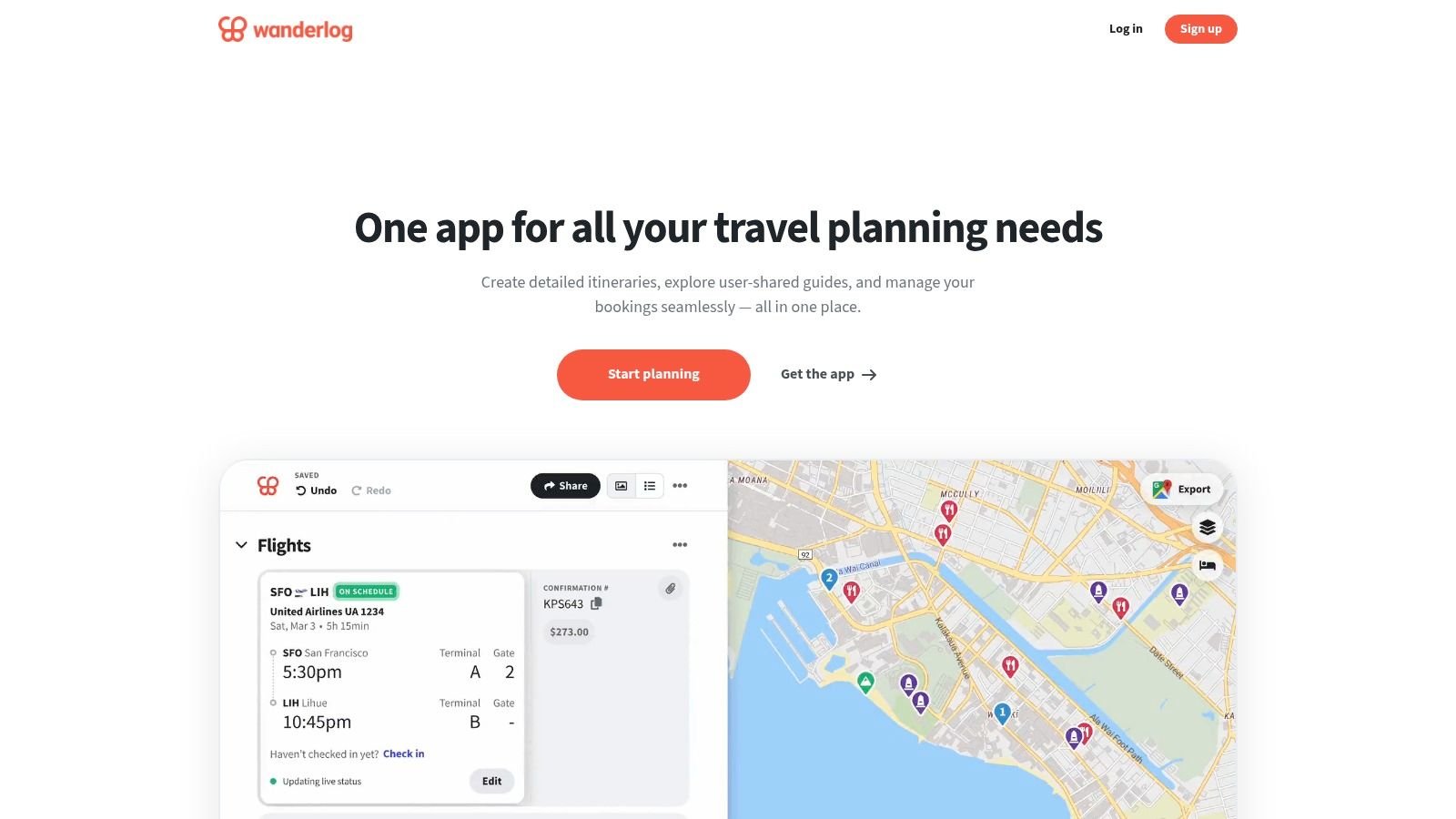
Wanderlog is a powerful, all-in-one trip planner that excels at creating visually intuitive and highly collaborative itineraries. It’s particularly well-suited for road trips and multi-city journeys, allowing users to map out their entire route, add points of interest, and organize everything in a single, shareable space. Its strength lies in combining map-based planning with traditional itinerary building, making it one of the best travel planning apps for seeing your trip come to life geographically.
The platform automatically imports flight and hotel confirmations from Gmail, saving significant time on manual data entry. For those looking for more advanced capabilities, the optional Pro version unlocks features like route optimization, which can be a game-changer for complex road trips.
Key Features and User Experience
Wanderlog's interface is clean and map-centric, making it easy to add places, see them on a map, and rearrange your daily schedule. Collaboration is seamless; you can invite friends to view or edit the plan in real-time. The integration of budgeting and packing lists within the itinerary keeps all critical information consolidated. Some users appreciate its modern take on itinerary planning, and you can learn more about AI trip planners like Wanderlog here.
Practical Tip: Use the Wanderlog Chrome extension when researching. It allows you to add places, articles, and notes directly to your trip plan from any website, streamlining the discovery phase.
Pros & Cons:
| Pros | Cons |
|---|---|
| Generous Free Tier: Excellent for city and road trip planning without a subscription. | Occasional Downtime: Some users report brief service interruptions during peak times. |
| Excellent Collaboration: Real-time editing with friends and family is simple and effective. | Pro Features Required for Offline: Offline maps and route optimization are behind a paywall. |
| Gmail & Map Integration: Automates reservation imports and visualizes your route. | Mobile App Can Be Intensive: The map-heavy interface may use significant battery on mobile devices. |
The main drawback for some might be the occasional performance hiccup during high-traffic periods. However, its comprehensive free features and superior collaborative tools make Wanderlog an indispensable resource for group travelers and meticulous planners alike.
Access the platform here: https://app.wanderlog.com/
6. TripIt
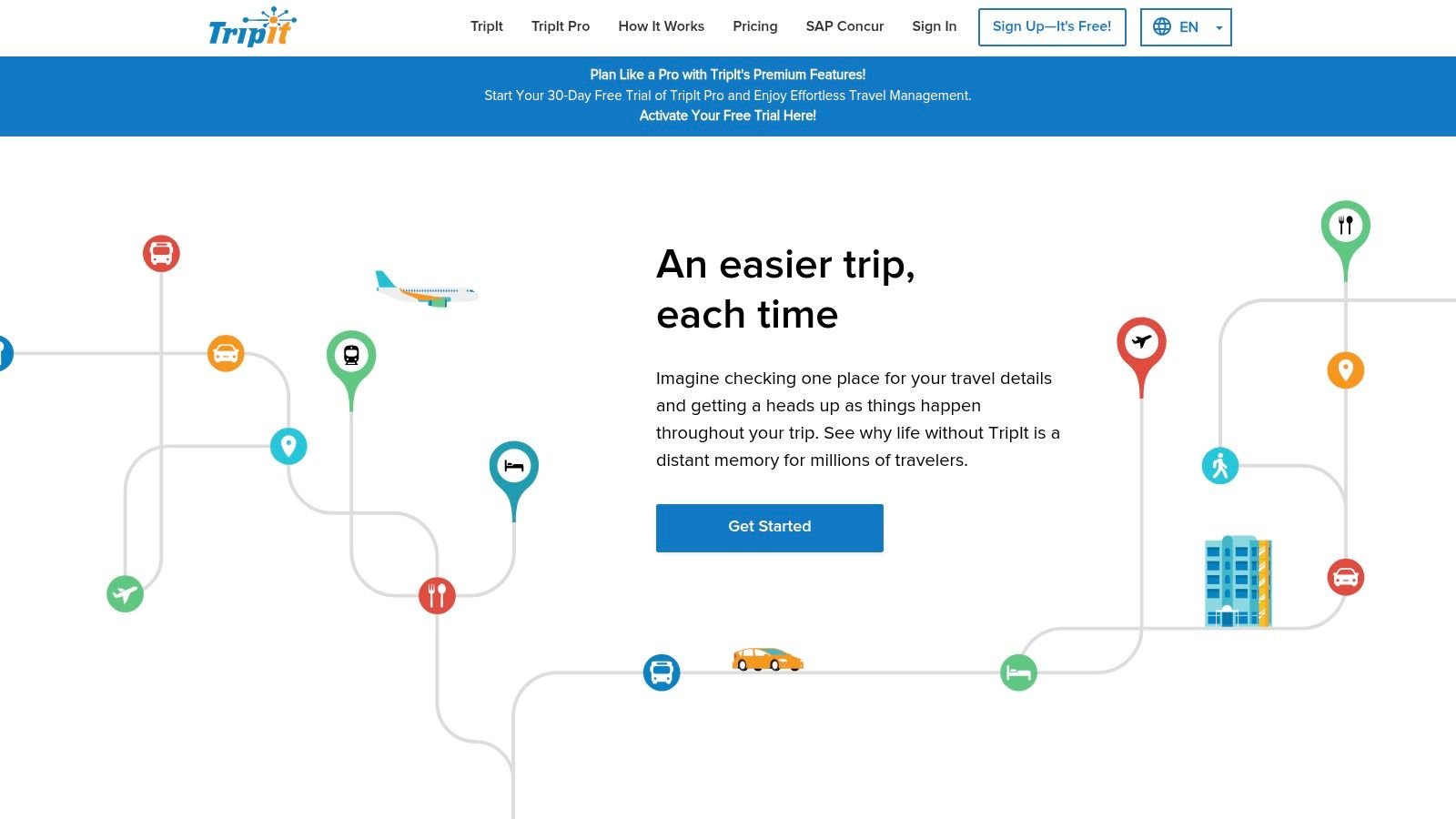
For travelers who value automation and a single source of truth for their itinerary, TripIt is a powerhouse among the best travel planning apps. Its core function is brilliantly simple: you forward your confirmation emails for flights, hotels, car rentals, and event bookings, and it automatically organizes them into a comprehensive, chronological master itinerary. This eliminates the tedious task of manually entering travel details, making it a favorite for frequent flyers and business travelers.
The platform excels at consolidating scattered information into a clean, accessible timeline. The free version handles the core organization, but the real power is unlocked with TripIt Pro, which adds a layer of proactive travel assistance.
Key Features and User Experience
TripIt's interface is straightforward and timeline-focused, ensuring you can see what's next at a glance. The Pro tier transforms it from a simple organizer into a dynamic travel assistant with real-time flight alerts, gate change notifications, and security line wait times. Its ability to monitor fares and alert you to potential refunds (US itineraries only) can often make the subscription pay for itself.
Practical Tip: Set up auto-import from your email inbox. This allows TripIt to scan for travel confirmations automatically, so you don't even have to remember to forward them. This "set it and forget it" approach ensures your itinerary is always up-to-date.
Pros & Cons:
| Pros | Cons |
|---|---|
| Effortless Itinerary Creation: Automatic email parsing is seamless. | Subscription Required for Key Features: Most proactive tools are behind the Pro paywall. |
| Powerful Pro Tools: Flight alerts and refund monitoring reduce travel stress. | Limited Collaborative Planning: Better for individual itineraries than group coordination. |
| Mature Ecosystem: Integrates well with calendars and provides airport maps. | Fare Tracker is US-Only: The seat and fare monitoring features are limited geographically. |
While the free version is highly functional for basic itinerary management, TripIt Pro ($49/year) is what truly solidifies its position as an essential tool for anyone who travels regularly and wants to stay ahead of disruptions.
Access the platform here: https://www.tripit.com/
7. Roadtrippers
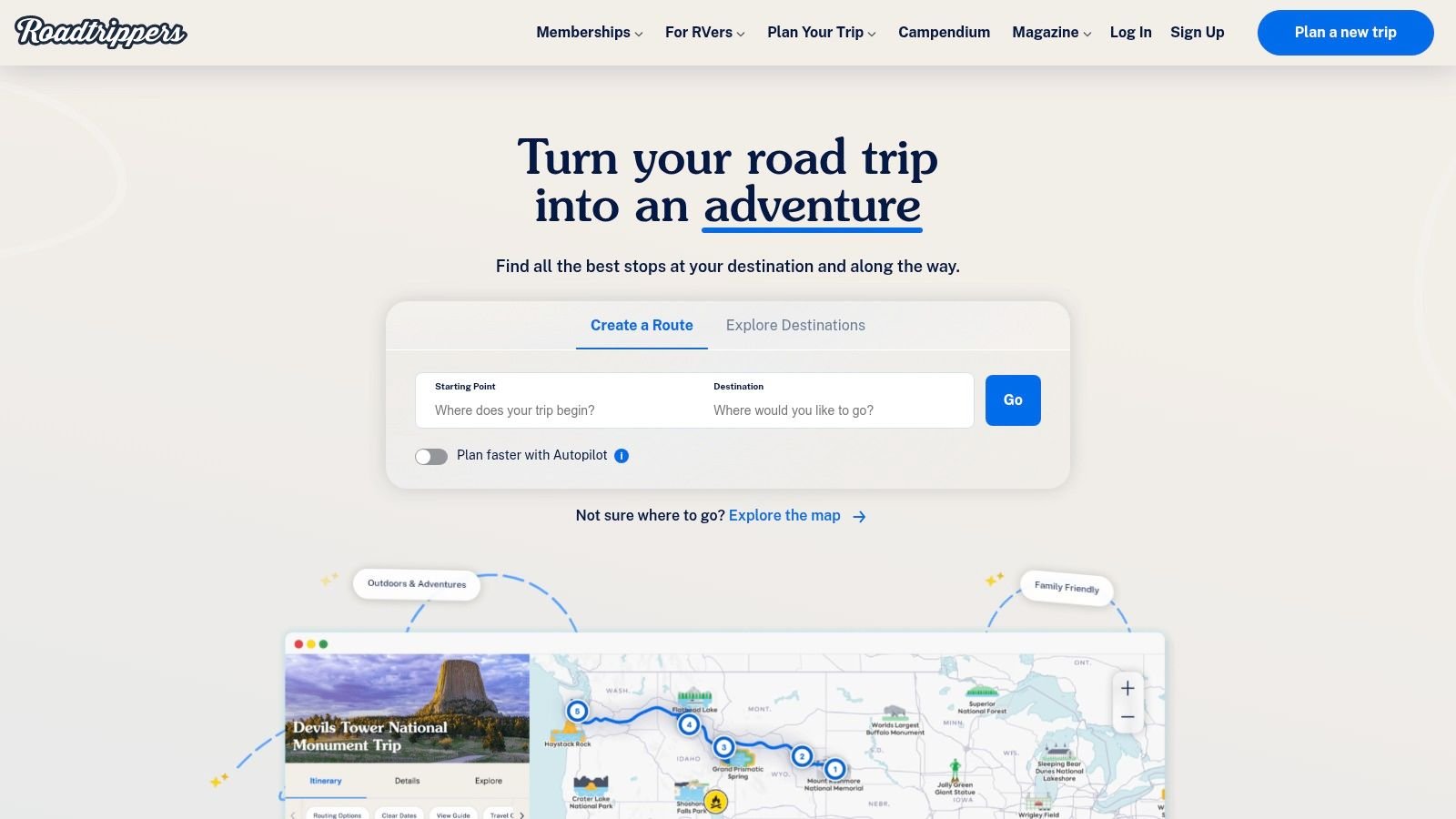
For those embarking on a classic American road trip, Roadtrippers is an indispensable tool. It moves beyond simple A-to-B navigation, transforming into a discovery platform for the journey itself. Its core strength lies in its vast database of offbeat attractions, scenic points, local diners, and quirky roadside stops, making it one of the best travel planning apps for exploring the open road. It's designed to help you find the hidden gems between your main destinations.
This specialization in road travel makes it a powerful tool for crafting unique itineraries. Instead of just showing the fastest route, Roadtrippers encourages exploration and spontaneity, allowing you to build a trip around experiences rather than just travel time. The platform is particularly popular with RV travelers, offering specialized tools tailored to their needs.
Key Features and User Experience
The platform allows for multi-stop route planning and provides an AI Autopilot feature for trip suggestions. The interface is map-centric and highly visual, making it easy to see your route and nearby points of interest simultaneously. Paid tiers unlock essential features like offline maps, live traffic updates, collaboration with friends, and RV-specific routing that considers vehicle height and propane restrictions.
Practical Tip: Use the "Extraordinary Places" filter to instantly populate your map with unique, user-curated locations. This is perfect for uncovering spots you would never find with a standard map search.
Pros & Cons:
| Pros | Cons |
|---|---|
| Best-in-class discovery: Unmatched database of roadside attractions. | Subscription-heavy: Most advanced features are behind a paywall. |
| Specialized RV tools: RV-safe routing and campground information. | Limited free version: The free plan has significant caps on stops. |
| Engaging interface: Fun and intuitive map-based planning. | US-centric: Primarily focused on North American travel. |
While the free version is a great starting point, the real power of Roadtrippers is unlocked with its premium subscription. For anyone planning a detailed road trip or traveling by RV, it offers value that standard navigation apps simply cannot match. If you want to dive deeper into automated planning, you can learn more about its capabilities as a travel itinerary generator.
Access the platform here: https://roadtrippers.com/
8. Skyscanner
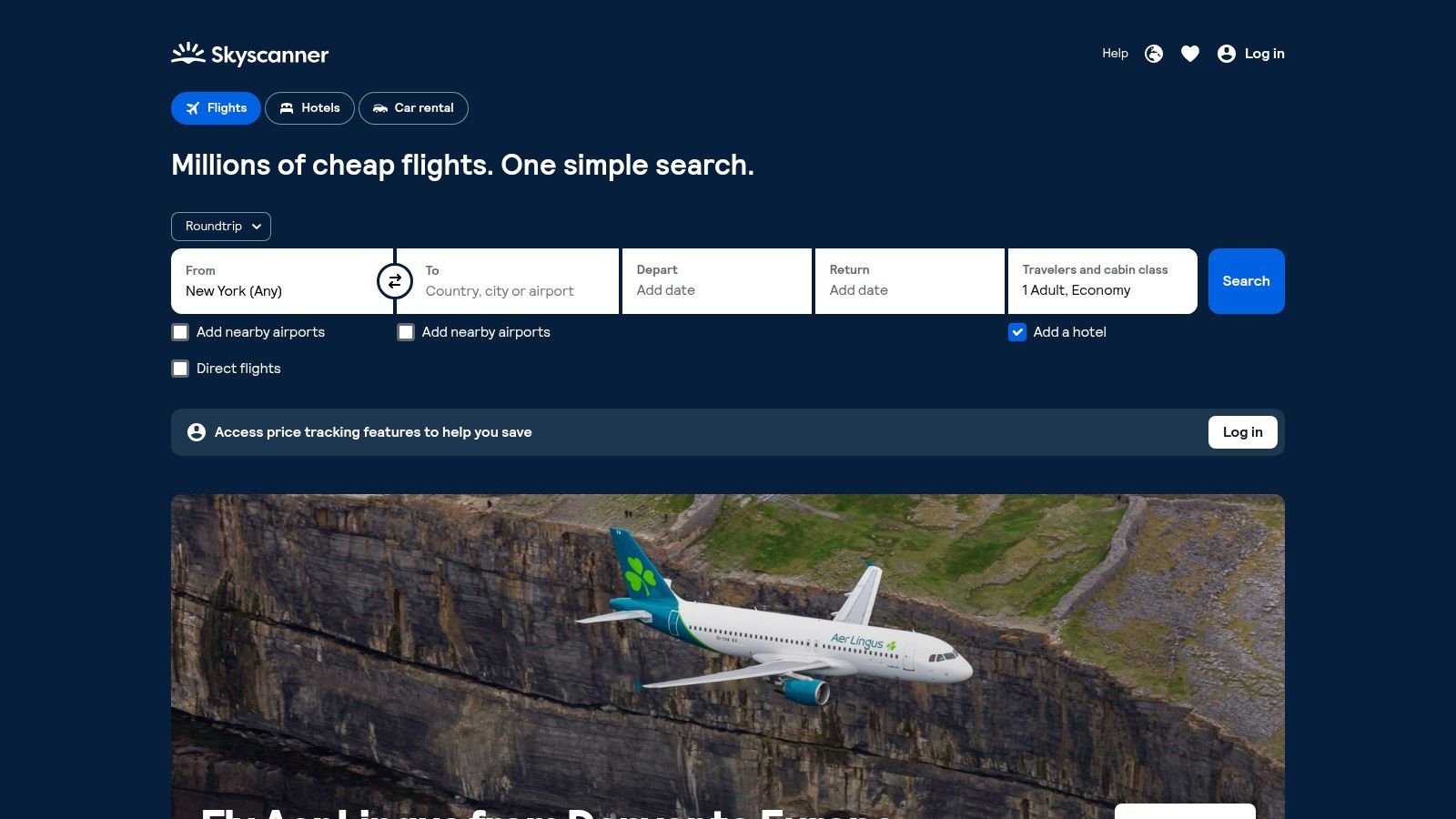
Skyscanner has evolved from a simple flight comparison tool into a comprehensive platform that stands out as one of the best travel planning apps for budget-conscious and flexible travelers. Its core strength is its powerful meta-search engine, which scours hundreds of airlines, hotels, and car rental sites to find the most competitive prices. What makes it indispensable for planning is its set of discovery tools designed for those who prioritize savings over specific dates or destinations.
The "Explore Everywhere" feature is perfect for brainstorming, showing you the cheapest places to fly from your home airport. Additionally, the ability to search by entire month or even the "Cheapest Month" provides unparalleled flexibility, allowing you to build a trip around the best possible deals.
Key Features and User Experience
Skyscanner's interface is clean and intuitive, making complex searches simple to execute. Price Alerts keep you notified of fare changes for a specific route, so you can book when the price drops. For iOS users in select cities, the platform is testing an Itinerary Builder, which hints at its ambition to become a more centralized planning hub.
Practical Tip: When searching for flights, select "Whole month" instead of specific dates to instantly see a calendar view with daily prices. This visual tool makes it easy to spot the cheapest days to fly and can save you a significant amount of money.
Pros & Cons:
| Pros | Cons |
|---|---|
| Extensive partner coverage: Compares a vast number of sources. | Limited itinerary features: Builder is only on iOS for select cities. |
| Excellent for flexible travel: "Everywhere" and month-view searches. | Meta-search limitations: You book on third-party sites, not with Skyscanner. |
| App-exclusive perks: Offers special deals and discounts in the app. | Price fluctuations: Fares can change between Skyscanner and the final booking page. |
While you ultimately book through a third-party vendor, Skyscanner is an essential first stop for finding the foundational elements of your trip at the best price. Its powerful search and discovery tools are invaluable for anyone looking to maximize their travel budget. If you want to dive deeper, you can learn more about finding cheap flights here.
Access the platform here: https://www.skyscanner.com/
9. KAYAK
KAYAK is a powerful meta-search engine that simplifies the initial, most time-consuming part of travel planning: finding the best deals. It aggregates prices for flights, hotels, and car rentals from hundreds of other travel sites, presenting them in one clear, comparable view. This all-in-one approach saves you from having to open dozens of tabs to cross-reference prices, making it one of the best travel planning apps for budget-conscious travelers.
The platform's strength lies in its robust filtering tools and price-tracking features. KAYAK doesn’t just show you prices; it empowers you with data. You can set up Price Alerts for specific routes and receive notifications when fares drop, ensuring you book at the optimal time. Its "Explore" feature is also a fantastic tool for discovering new destinations that fit within a specific budget.
Key Features and User Experience
KAYAK's mobile app offers exclusive mobile-only and private deals that you won't find on the desktop site. The built-in "Trips" feature acts as a lightweight itinerary organizer, automatically pulling in booking confirmations from your email to create a master schedule. The Flight Tracker provides real-time updates on your flight's status, gate changes, and delays.
Practical Tip: When searching for flights, pay attention to KAYAK’s “Our advice” box. It often uses historical data to predict whether you should buy now or wait for a potential price drop.
Pros & Cons:
| Pros | Cons |
|---|---|
| Comprehensive Comparison: Scans 1,000+ travel sites at once. | Third-Party Bookings: You are redirected to other sites to book. |
| Powerful Price Alerts: Get notified when prices change for your route. | Policy Verification: Must check baggage and cancellation policies on the final booking site. |
| Free Itinerary Organizer: The "Trips" feature is a great value-add. | Meta-Search Limitations: Does not include all budget airlines or providers. |
While KAYAK is primarily a search tool, its organizational features make it a versatile asset. Since you book on third-party sites, always double-check the final provider's policies. For more insights, you can learn how to find travel deals with tools like this.
Access the platform here: https://www.kayak.com/mobile
10. Rome2rio
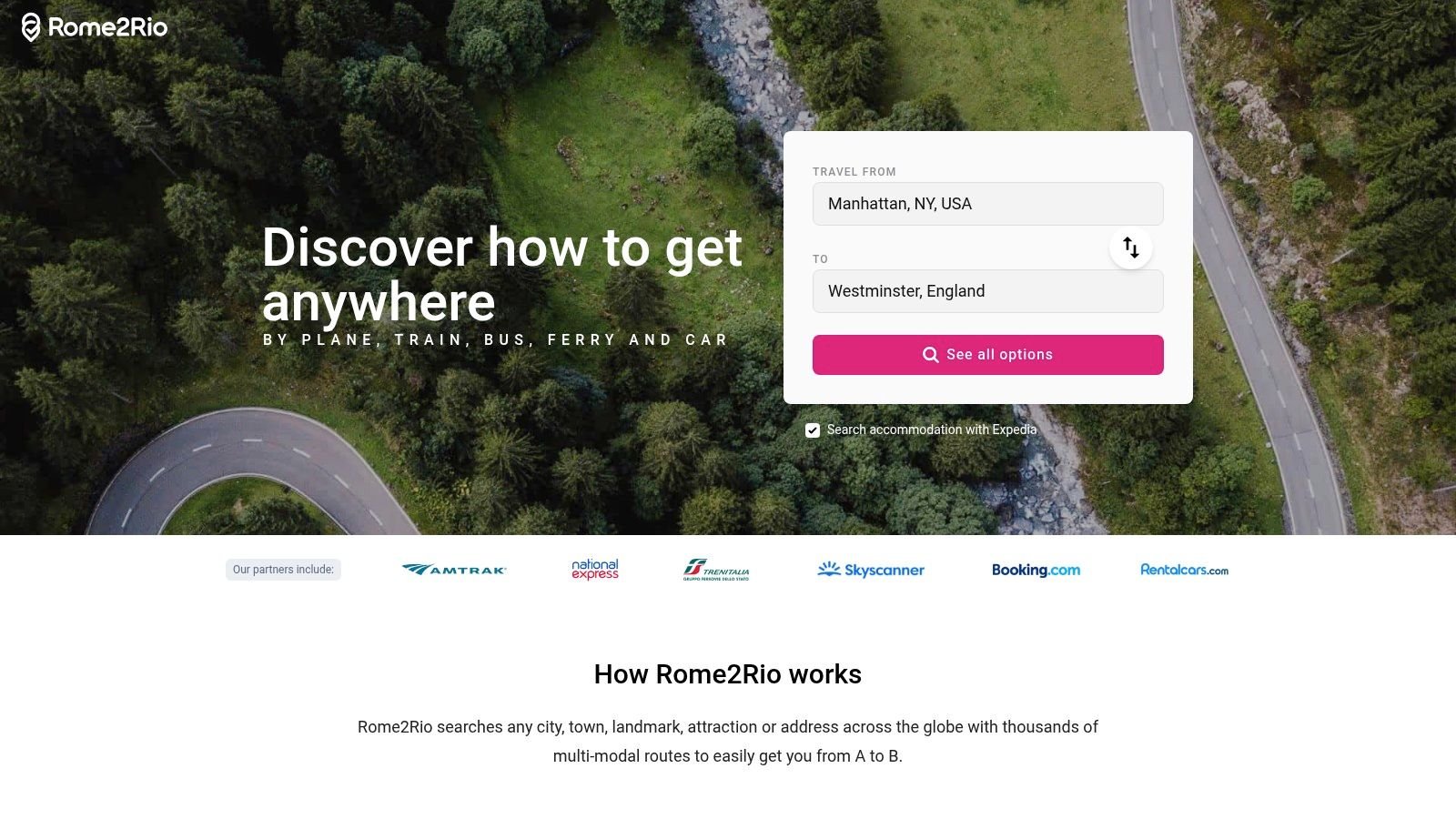
Rome2rio is the ultimate solution for figuring out the "how" of getting from point A to point B, anywhere in the world. This multimodal trip planner excels at showing you every possible combination of plane, train, bus, ferry, and car to complete your journey. It's an indispensable tool for the early stages of planning, especially when you're piecing together a complex, multi-destination trip and need a clear overview of your travel options, timings, and estimated costs.
Its strength lies in visualizing the entire route, including transfers you might not have considered. For anyone crafting a detailed itinerary, it serves as one of the best travel planning apps for logistical groundwork, turning a logistical puzzle into a clear, actionable plan. Explore more on using Rome2rio as a multi-city trip planner.
Key Features and User Experience
The platform presents a simple search interface: just enter your start and end points, and it instantly displays a map with various routes. Each route details the modes of transport, duration, and a price range, with links to booking partners. This makes it incredibly efficient for comparing the speed of a flight against the cost-effectiveness of an overnight bus.
Practical Tip: Use Rome2rio to discover scenic or alternative routes. Instead of just flying between major cities, you might find a picturesque train journey or a ferry ride that turns the travel day into a memorable part of your adventure.
Pros & Cons:
| Pros | Cons |
|---|---|
| Comprehensive Transport Modes: Compares everything from planes to local buses. | Estimates Aren't Guarantees: Prices and schedules can change on booking sites. |
| Excellent for Budgeting: Provides quick cost estimates for logistical planning. | Booking is External: The platform redirects you to third-party vendors to book. |
| Global Coverage: Offers reliable routing information for destinations worldwide. | Local Nuances Missed: May not capture hyper-local or informal transport options. |
The main caveat is that Rome2rio is a planner, not a booking engine. You must always click through and verify the final details on the provider's website. Despite this, its ability to simplify complex travel logistics makes it a foundational tool for any serious traveler.
Access the platform here: https://www.rome2rio.com/
11. Hopper
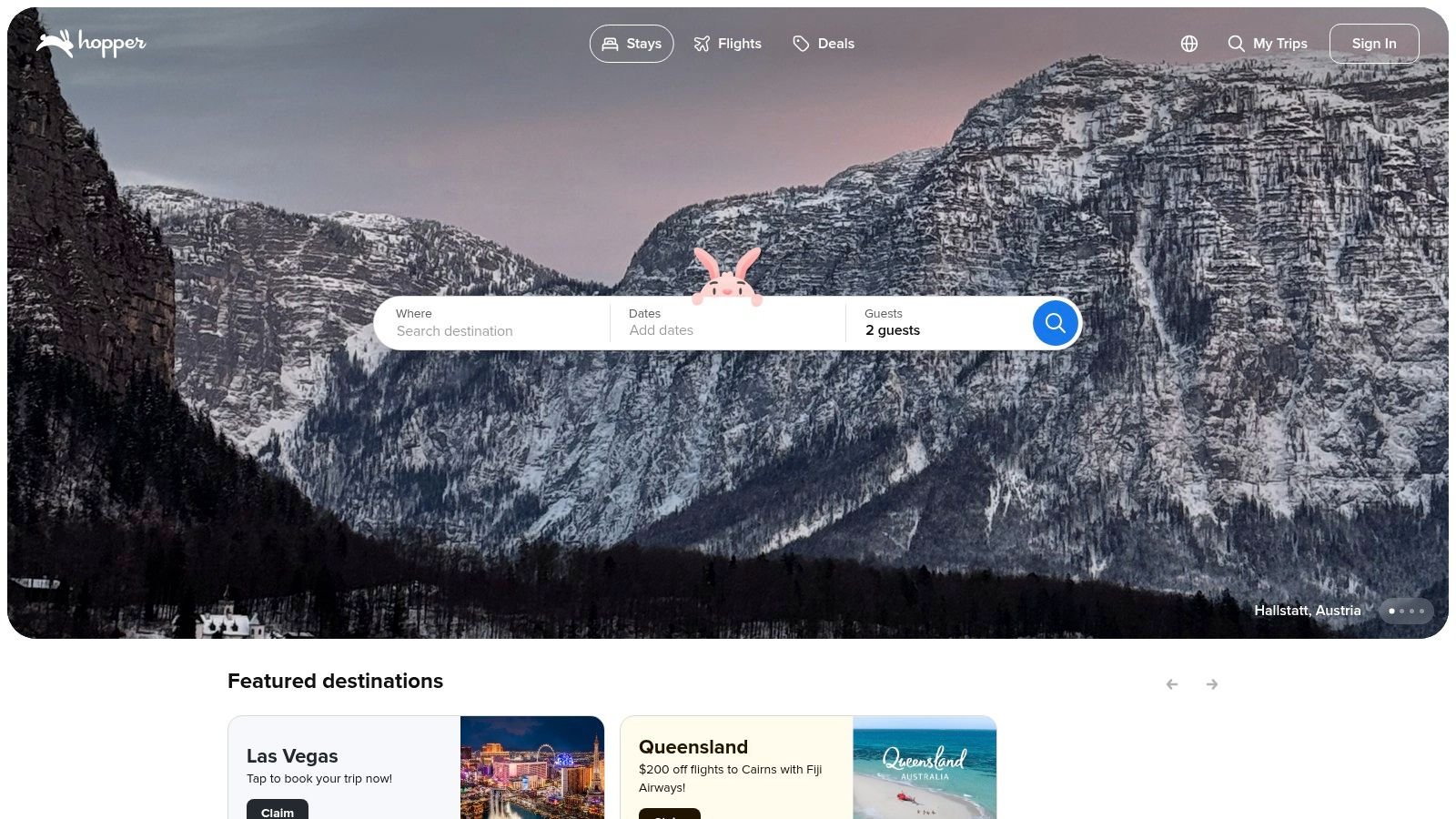
Hopper has carved out a unique space in the travel booking world by focusing on powerful price prediction technology. Instead of just showing current prices, the app advises you whether to book now or wait for a better deal, claiming up to 95% accuracy in its forecasts. This data-driven approach removes much of the guesswork from deciding when to buy flights, hotels, or rental cars, making it one of the best travel planning apps for budget-conscious travelers.
Its standout feature is the suite of flexible booking options. For a small fee, you can use "Price Freeze" to lock in a fare for up to 21 days, protecting you from price hikes while you finalize your plans. This fintech-style approach to travel planning provides a safety net that traditional booking sites often lack.
Key Features and User Experience
The mobile-first interface is intuitive, using a simple color-coded calendar to show the cheapest dates to travel. Users can set a watch on a specific trip, and Hopper will send push notifications when the price drops to its predicted low point. This proactive monitoring saves you from constantly re-checking fares.
Practical Tip: Look for "Carrot Cash" rewards within the app. You earn this in-app currency on bookings, and it can be applied to future travel purchases made through Hopper, creating a valuable loyalty loop.
Pros & Cons:
| Pros | Cons |
|---|---|
| Accurate Price Predictions: Data-backed advice on when to book. | Add-on Fees: Flexibility features like Price Freeze come at a cost. |
| App-Exclusive Deals: Often features "secret" rates not found elsewhere. | App-First Focus: The desktop experience is limited compared to the app. |
| Flexible Booking Options: Price Freeze and refundable ticket add-ons. | Customer Service: Support is primarily handled via in-app chat. |
While the reliance on paid add-ons for maximum flexibility isn't for everyone, Hopper's core price prediction technology provides undeniable value. It empowers travelers to book with confidence, knowing they've likely secured the best possible price for their trip.
Access the platform here: https://www.hopper.com/
12. Capterra
For those who want to dig deeper than consumer-facing app stores, Capterra is an invaluable resource. It's a comprehensive software comparison marketplace that provides verified user reviews, detailed feature breakdowns, and buyers' guides for a vast range of tools, including many specialized travel management and itinerary planners. Its core strength is offering a transparent, data-driven look at both popular and niche software, moving beyond simple app store ratings.
This platform is particularly useful for comparing business-oriented travel solutions or finding powerful planning tools that aren't heavily marketed to individual consumers. Capterra allows you to evaluate options based on specific criteria, making it one of the best resources for finding highly specific travel planning apps that meet unique needs, whether for a small business or a power-user family organizer.
Key Features and User Experience
Capterra's platform excels with its powerful filtering and side-by-side comparison tools. You can sort applications by features, user ratings, company size, and pricing models, allowing for a truly customized research process. The presence of verified user reviews adds a layer of authenticity that helps you understand real-world performance.
Practical Tip: Use Capterra's buyers' guides for categories like "Itinerary Software" or "Tour Operator Software." These articles provide excellent context, explain key features to look for, and help you understand the landscape before you start comparing individual products.
Pros & Cons:
| Pros | Cons |
|---|---|
| Broad Market Coverage: Includes lesser-known and B2B planning apps. | B2B Focus: Often skews toward business tools, making personal use suitability vary. |
| Transparent Reviews: Verified user reviews and clear moderation policies. | Complex Information: Can be overwhelming for those seeking a simple travel app. |
| Detailed Comparisons: Side-by-side feature analysis is highly effective. | Limited Mobile-First Apps: Fewer listings for simple, consumer-focused mobile apps. |
The main drawback is its business-centric approach, which may not suit every casual traveler. However, for anyone needing to research the best travel planning apps with a critical eye-from small tour operators to meticulous solo planners-Capterra offers a depth of information that is hard to find elsewhere.
Access the platform here: https://www.capterra.com/
Top 12 Travel Planning Apps Comparison
| Product | Core Features & Capabilities | User Experience & Quality ★ | Value & Pricing 💰 | Target Audience 👥 | Unique Selling Points ✨ |
|---|---|---|---|---|---|
| The People Travels 🏆 | AI-generated personalized day-by-day itineraries, visa info, local dining & tips | ★★★★☆ Trusted by 1,000+ travelers | Flexible points system, no subscriptions; 50 free starter points | Solo travelers, families, adventure seekers, business travelers | AI-powered smart planning, flexible pay-as-you-go, multi-city support |
| Apple App Store | Curated travel app collections, verified developers | ★★★★☆ High trust & security | Free platform, with some paid apps | iOS users, general travel app seekers | Editorial curation, developer verification, refund support |
| Google Play Store | Large catalog of travel apps, ratings & updates | ★★★★☆ Wide app selection | Free platform, with varied app pricing | Android users, broad audience | Huge selection, frequent deals, Family Library |
| Google Travel | Flight & hotel price tracking, trip organization | ★★★★☆ Fast, free, Google-integrated | Free | Flexible planners, casual travelers | AI-driven flight deals, integrated with Google services |
| Wanderlog | Collaborative itineraries, budget tools, Gmail import | ★★★★☆ Generous free tier | Free tier + Pro subscription option | Group travelers, road trippers | Maps integration, route optimization, packing & budget tools |
| TripIt | Auto itinerary via email, Pro flight alerts | ★★★★☆ Mature, reliable | Free + Pro subscription | Frequent flyers, business travelers | Flight alert Pro features, refund monitoring |
| Roadtrippers | US road trip planner, route optimization, offline maps | ★★★★☆ Excellent POI discovery | Free + paid tiers | US road trippers, RV travelers | RV routing, live traffic, AI Autopilot suggestions |
| Skyscanner | Flight/hotel/car meta-search, price alerts | ★★★★☆ Flexible date tools | Free platform | Budget & flexible travelers | “Explore Everywhere”, app-only perks, month-long price views |
| KAYAK | Meta-search with mobile deals, flight tracker | ★★★★☆ Easy comparison & tracking | Free platform | Budget-conscious & organized travelers | Private deals, Explore map, trip management hub |
| Rome2rio | Multimodal global routing & price estimates | ★★★★☆ Fast multimode search | Free platform | Complex trip planners, global travelers | Integrated booking links, multimodal transport options |
| Hopper | Price prediction, Price Freeze, refundable bookings | ★★★★☆ Strong deal alerts | Free app, add-on fees for some features | Deal hunters, flexible travelers | Price Freeze, fare prediction, disruption assistance |
| Capterra | Software reviews & comparisons, buyer guides | ★★★☆☆ Transparent & detailed | Free | B2B travel managers, software buyers | Extensive reviews, comparison tools |
Choosing Your Co-Pilot: Final Thoughts on Your Perfect Travel App
Navigating the crowded landscape of digital travel tools can feel as overwhelming as planning a multi-city international tour without a map. We've explored a dozen of the best travel planning apps, from comprehensive itinerary builders like Wanderlog and TripIt to specialized powerhouses like Roadtrippers for asphalt adventurers and Skyscanner for flight deal hunters. The sheer variety underscores a fundamental truth: there is no single, universally "best" app. The perfect tool is the one that becomes an intuitive extension of your unique travel style.
Your quest for the ideal digital co-pilot begins with a simple self-assessment. Are you a meticulous planner who thrives on detailed, minute-by-minute schedules, or do you prefer a flexible framework that allows for spontaneous detours? Do you travel solo, with a partner, or are you coordinating the complex logistics of a large family vacation? The answers to these questions will immediately help you narrow down the field.
Synthesizing Your Options Based on Travel Style
Let's distill our findings into actionable advice. The key is to match the app's core strength to your primary travel need.
-
For the Efficiency-Obsessed Planner: If your goal is to minimize planning time while maximizing the quality of your itinerary, an AI-driven tool like The People Travels is a game-changer. It automates the heavy lifting of research and organization, transforming your travel ideas into a structured plan in seconds. Similarly, TripIt excels at automating confirmation emails into a master itinerary, making it a must-have for frequent flyers and business travelers juggling multiple bookings.
-
For the Collaborative Group Leader: When you're planning with others, shared access and real-time updates are non-negotiable. Wanderlog shines here, with its map-based interface and collaborative features that allow everyone to contribute ideas and see the plan evolve. It turns group planning from a logistical headache into a shared, creative experience.
-
For the Spontaneous Road Tripper: The open road calls for a different kind of tool. Roadtrippers is purpose-built for discovering off-the-beaten-path attractions, quirky roadside stops, and scenic routes. Its discovery-oriented platform is less about rigid schedules and more about embracing the journey itself.
-
For the Budget-Conscious Traveler: If finding the best deal is your top priority, a multi-faceted search aggregator is your best friend. Apps like KAYAK, Skyscanner, and Hopper leverage powerful algorithms to compare prices across hundreds of sites, while Hopper adds a predictive element, advising you on the optimal time to book. Rome2rio complements these by showing you the most cost-effective ways to get from point A to point B, comparing planes, trains, and automobiles.
Final Considerations Before You Commit
Before settling on your chosen app, consider the practicalities of implementation. How much time are you willing to invest in learning a new system? Some apps have a steeper learning curve but offer more robust features. Also, evaluate the ecosystem. Do you need an app that works seamlessly offline in areas with spotty connectivity? Check for offline map and itinerary access.
Finally, take advantage of free trials and freemium models. Create a mock trip for a destination you know well. This "test drive" is the best way to gauge an app's user interface, speed, and overall feel. See if its workflow matches your thought process. What works brilliantly for one traveler might feel clunky to another. The ultimate goal is to find a digital partner that reduces friction, not adds to it. Your travel planning app should feel like a reliable co-pilot, handling the navigational details so you can keep your eyes on the horizon, ready for the adventure ahead.
Ready to spend less time planning and more time experiencing? The People Travels uses advanced AI to build personalized, multi-day itineraries in under a minute, perfectly aligning with our discussion of the best travel planning apps for modern, efficiency-focused travelers. Stop wrestling with spreadsheets and start your next adventure by visiting The People Travels to generate your dream trip for free.